Running Google Ads for small businesses is one of the fastest ways to place your offer directly in front of buyers who are actively searching for what you sell. Unlike social feeds where people are scrolling passively for entertainment, Google Search captures high-intent moments when a customer types a problem and expects an immediate solution.
However, many local business owners launch their first campaign, watch their budget disappear within days, and conclude that paid search is too expensive. In most cases, the platform is not the issue—the campaign setup, keyword match settings, and landing page alignment are.
In this practical guide, we share seven proven steps to structure Google Ads for small businesses so you eliminate wasted clicks, control your daily spend, and generate qualified phone calls and enquiries consistently in 2026.
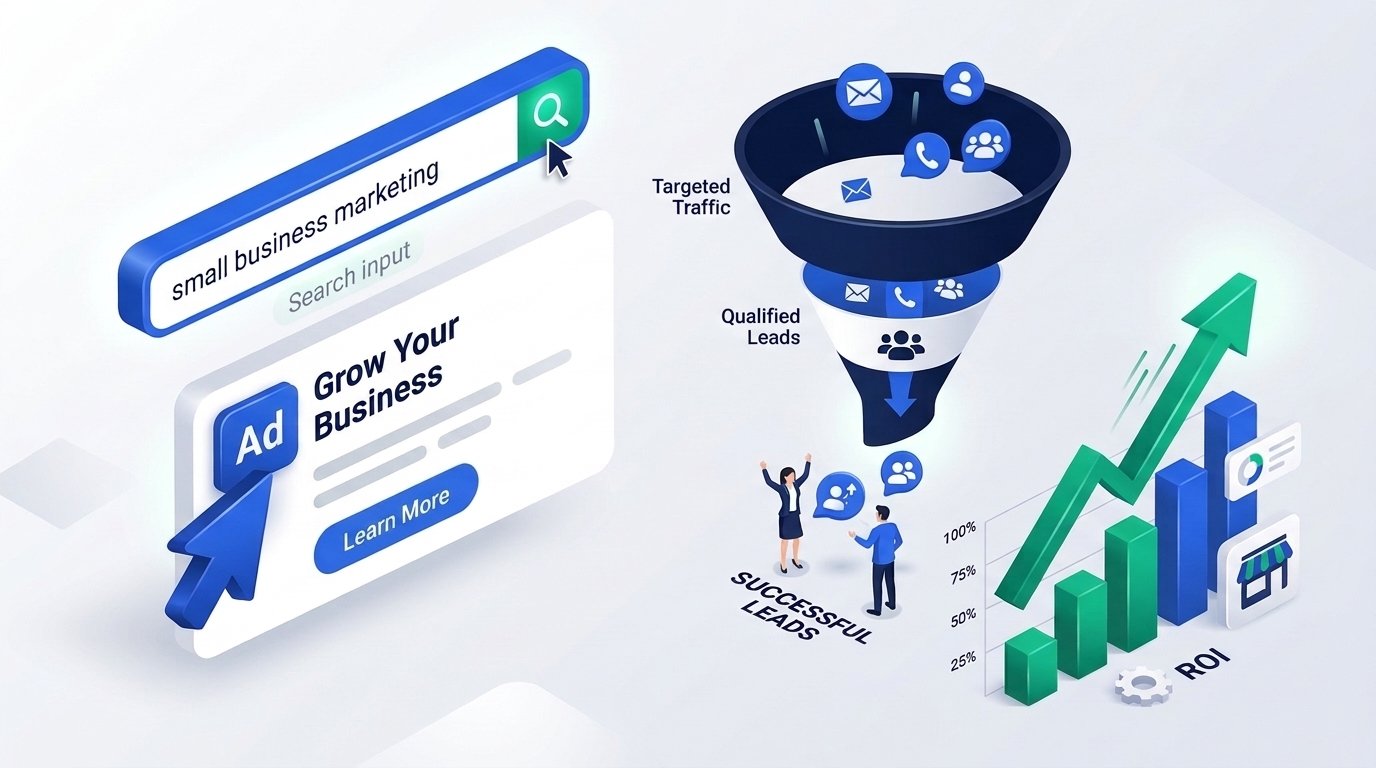
Why Google Ads for Small Businesses Works When Done Right
Organic SEO takes time to build momentum, especially in competitive service industries. When you need enquiries this week rather than six months from now, Google Ads for small businesses puts your business at the top of search results almost immediately.
Every click represents a real person expressing an explicit need—such as “emergency AC repair near me,” “dental implant clinic in South Delhi,” or “B2B accounting software demo.” Because you pay only when someone interacts with your ad, paid search fits naturally into a disciplined performance marketing strategy.
The key is matching the right campaign structure to your budget. Whether you manage campaigns in-house or partner with a specialist team for Google Ads management, these seven principles separate profitable accounts from costly experiments.
Comparing Google Ads Campaign Types for Small Budgets
Before spending a single rupee or dollar, choose the campaign format that best matches how your customers buy. Use the table below to evaluate which format fits Google Ads for small businesses with focused budgets.
| Campaign Type | Best Used For | Buyer Intent Level | Recommended Starting Priority |
|---|---|---|---|
| Search Campaigns | Local services, clinics, B2B, high-intent enquiries | Very High | Start Here First |
| Call-Only / Call Assets | Urgent services (repair, clinics, towing, plumbers) | Very High | High for Phone Leads |
| Performance Max | Multi-channel reach once conversion tracking is proven | Mixed | Add After Search Works |
| Display / YouTube | Brand awareness and website retargeting | Low to Medium | Retargeting Only at Start |
1. Start With High-Intent Search Campaigns Instead of Broad Automation
When creating a new account, Google’s default setup often nudges advertisers toward “Smart” campaigns or broad multi-channel automation. While convenient, those defaults frequently show ads on unrelated mobile apps, low-intent display placements, and overly broad searches.
For reliable Google Ads for small businesses, switch to Expert Mode and launch a dedicated Search campaign first. Turn off the Display Network expansion inside your Search campaign settings so 100% of your budget stays on actual Google search queries.
Why Search-First Protects Small Budgets
- Clear intent control: You choose the exact service keywords that trigger your ads.
- Cleaner search term reports: You can inspect every query people typed before clicking and refine weekly.
- Faster conversion learning: With limited spend, concentrating clicks on high-intent searchers helps you spot winning keywords much sooner.
Once your Search campaign generates consistent, profitable leads and accurate conversion data, you can test retargeting or Performance Max as a second layer.
2. Master Keyword Match Types and Negative Keywords
Keyword targeting is where most small business ad budgets are won or lost. Targeting a single broad keyword like “digital marketing” can match searches for “digital marketing free course,” “digital marketing salary,” or “digital marketing jobs”—none of which are buyers.
A disciplined approach to Google Ads for small businesses focuses on Phrase Match and Exact Match keywords combined with a thorough negative keyword list from day one.
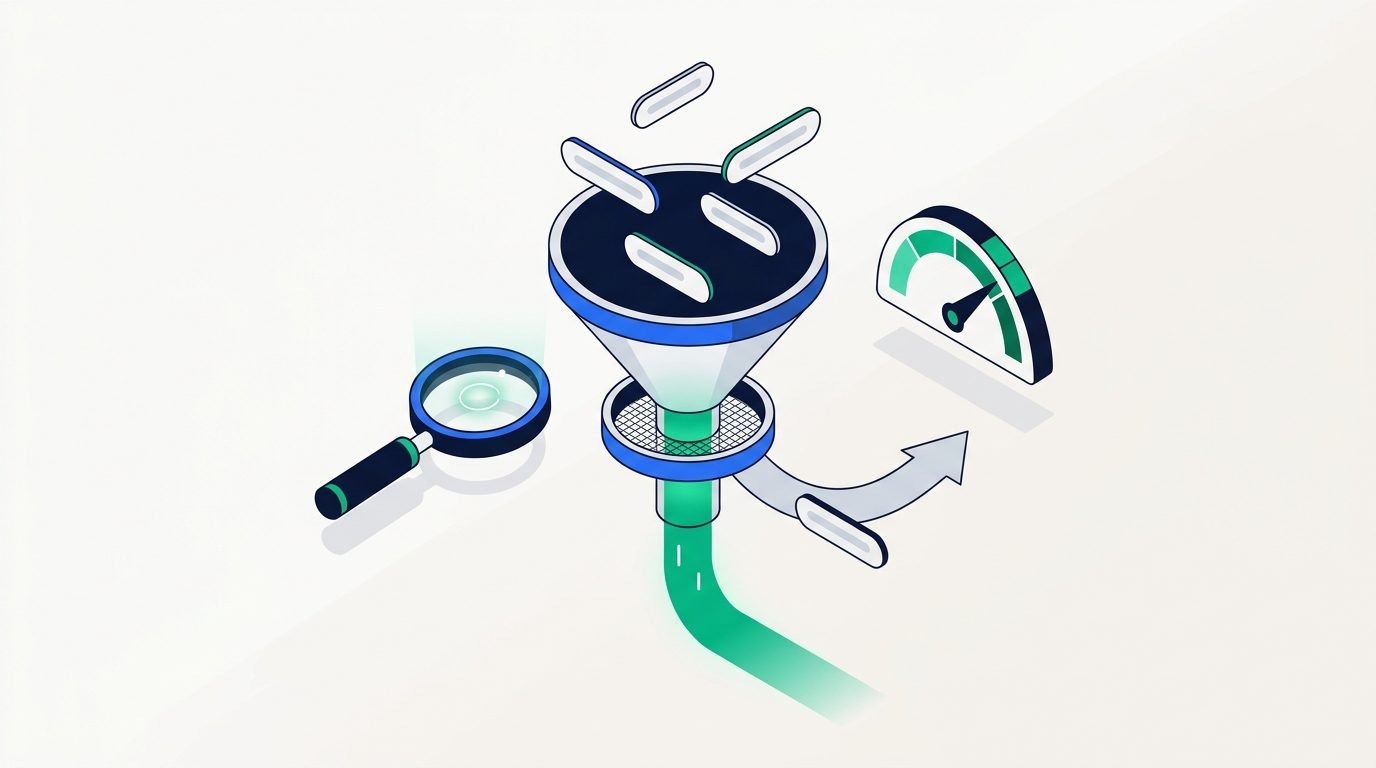
Essential Negative Keywords to Add Immediately
- Job and career terms: free, jobs, vacancy, hiring, salary, internship, resume, course, syllabus, training.
- DIY and informational modifiers: meaning, definition, PDF, template, examples, YouTube, Wikipedia, how to become.
- Out-of-area locations: Cities, states, or countries where you cannot deliver your product or service.
- Low-fit price shoppers (if premium): cheap, freeware, cracked, second-hand, used.
Review your Search Terms report twice a week during your first month. Every irrelevant search term you exclude immediately frees budget for real prospective buyers. You can also check official match type rules inside Google Ads Help before scaling spend.
3. Tighten Geographic Targeting to Your Real Service Area
If your business serves customers in South Delhi, Noida, or a 15-kilometre radius around your clinic, showing ads nationwide wastes money fast. Yet one of Google Ads’ sneaky default settings is targeting “Presence or interest: People in, regularly in, or who’ve shown interest in your targeted locations.”
That setting can serve your ad to someone thousands of kilometres away who simply searched for your city. When configuring Google Ads for small businesses, open Location Options and choose “Presence: People in or regularly in your targeted locations.”
- Target specific pin codes or radii: Focus spend on affluent or high-converting neighbourhoods first, then expand outward.
- Exclude non-service regions explicitly: Add exclusions for neighbouring towns or states you do not cover.
- Mention your city in ad headlines: Local relevance improves click-through rate and reassures buyers that you serve their area.
Combining tight location targeting with our local online growth strategies helps Google Ads for small businesses maximize every click without competing unnecessarily against national giants.
4. Write Ad Copy That Pre-Qualifies Buyers and Uses Assets
Getting clicks is easy; getting clicks from the right customers is what drives profit. Effective copy in Google Ads for small businesses speaks directly to the buyer’s problem, highlights clear proof, and filters out poor-fit enquiries before they click.
Use Responsive Search Ads thoughtfully by grouping tightly related keywords into themed ad groups—for example, separating “Root Canal Treatment” from “Teeth Whitening” instead of dumping all dental services into one ad group.
High-Converting Ad Copy & Asset Checklist
- Include the exact keyword in Headline 1 or 2: Searchers scan fast; seeing their exact search phrase builds instant relevance and lifts Quality Score.
- Add concrete qualifiers: Mention starting prices, consultation options, turnaround times, or service areas if helpful.
- Enable Call, Sitelink, Callout, and Location Assets: Ad assets make your listing larger on mobile screens and give prospects direct ways to call or visit key pages.
- State a clear next step: Phrases like “Book a Free 15-Min Audit,” “Request Same-Day Quote,” or “Call Now for Appointment” outperform vague slogans.
Higher Ad Relevance and Click-Through Rate improve your Quality Score, which makes Google Ads for small businesses more cost-efficient by lowering your cost per click compared to poorly structured competitor ads.
When reviewing creative inside Google Ads for small businesses, always test at least two distinct value angles—such as speed of service versus transparent pricing—so real buyer data picks the winner.
5. Send Paid Traffic to Dedicated, Fast Landing Pages
Sending paid search clicks to a cluttered homepage forces visitors to hunt for the service they just searched for. Every extra click or second of confusion drops your conversion rate dramatically.
If you want Google Ads for small businesses to deliver affordable leads, match every ad group to a focused landing page that continues the exact promise made in your ad headline.
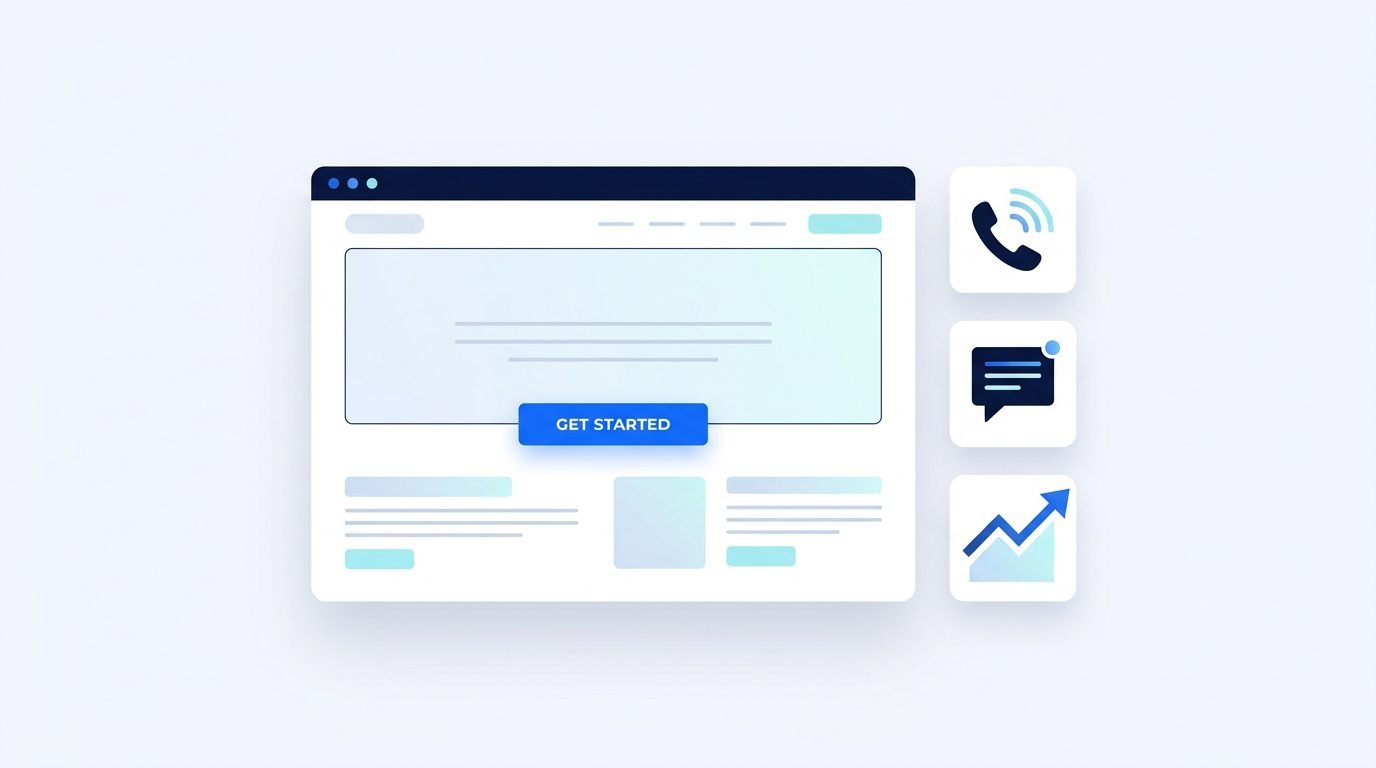
Anatomy of a High-Converting Small Business Landing Page
- Message match above the fold: Mirror your ad headline, state who the service is for, and show one clear CTA button immediately without scrolling.
- Fast mobile loading speed: Test landing URLs in PageSpeed Insights so slow images never cause paid visitors to bounce.
- Frictionless contact options: Provide a short 3-to-4 field form alongside click-to-call and WhatsApp buttons for mobile searchers.
- Trust and clarity: Display real client testimonials, clear service process steps, FAQs, and transparent contact details.
Raising a landing page conversion rate from 2% to 4% cuts your cost per lead in half—making Google Ads for small businesses far more profitable without increasing your daily budget by a single rupee.
6. Set Up Accurate Conversion Tracking Before Launching
Running Google Ads for small businesses without conversion tracking is like driving with your eyes closed. Clicks and impressions tell you people visited, not whether they called, submitted a quote form, or booked a consultation.
Before activating any campaign, configure proper conversion actions inside Google Ads and connect Google Analytics 4 so you can trace every lead back to the exact keyword and ad that produced it.
Key Conversions Small Businesses Should Track
- Thank-you page form submissions: Redirect contact forms to a dedicated confirmation URL such as
/thank-you/so each lead fires accurately once. - Calls from ads and website click-to-call: Track phone enquiries directly from ad call extensions as well as mobile phone button taps.
- WhatsApp or chat button clicks: If your buyers prefer messaging, track qualified chat initiations as secondary or primary conversions.
- Lead quality feedback: Keep a simple spreadsheet or CRM tag noting which paid leads turned into real sales.
Clean conversion data is the backbone of Google Ads for small businesses because it unlocks smart bidding strategies like Maximize Conversions or Target CPA once your account accumulates steady weekly conversion volume.
Without verified conversion tracking, Google Ads for small businesses cannot tell the difference between a curious student and a high-value local buyer ready to book.
7. Pair Google Ads With Retargeting and Organic SEO
Not every high-intent prospect converts on their very first visit. Many buyers compare two or three providers, check reviews, ask a partner, and return a few days later to book.
The smartest approach to Google Ads for small businesses connects search campaigns with remarketing and long-term organic visibility. For example, someone who clicks your Google Search ad and leaves can see follow-up reminders via Meta Ads or search your brand name organically later.
- Use ad scheduling thoughtfully: If your team answers phone leads between 9 AM and 7 PM, allocate stronger bids during business hours and verify after-hours forms get rapid morning follow-up.
- Respond to leads within 5–15 minutes: Fast follow-up often doubles close rates for local service enquiries.
- Reinvest insights into SEO: Keywords that convert profitably in Google Ads show you exactly which service pages and blogs to prioritize in your organic SEO roadmap.
How to Structure a Small Business Google Ads Account
Account structure determines how clearly Google understands which searches match your ads and how easily you can control spending. A messy single-campaign setup lumps unrelated services together, making Google Ads for small businesses difficult to optimize.
Instead, organize Google Ads for small businesses around your core profit centers. Use one Search campaign per major service category (or geographic market if budgets differ), and split specific offerings into tightly themed ad groups of 5 to 15 closely related keywords.
- Campaign Level (Budget & Location): Control daily spend, target cities or pin codes, and set ad schedules aligned with when your team answers leads.
- Ad Group Level (Single Service Theme): Group tightly matched keywords so your ad headline mirrors the exact phrase the buyer typed.
- Landing Page Level (Dedicated Offer): Direct each ad group to the matching service page rather than a generic homepage.
Weekly Optimization Checklist for Google Ads for Small Businesses
Launching a campaign is only 20% of the job. Consistent weekly maintenance is what turns Google Ads for small businesses from an uncertain experiment into a predictable source of customers.
Set aside 30 minutes every Monday morning to review these core checks inside your Google Ads for small businesses dashboard:
- Audit the Search Terms report: Exclude irrelevant queries as negative keywords and promote high-converting search phrases into Exact Match keywords.
- Check keyword-level cost per conversion: Pause keywords that spend 2x to 3x your target cost per lead with zero enquiries, and shift that budget toward proven winners.
- Review ad asset performance ratings: Replace headlines or descriptions rated “Low” once enough impressions accumulate, while keeping top performers active.
- Compare call and form lead quality: Listen to call recordings or review form submissions with your sales team so you optimize for real customers, not spam clicks.
- Monitor Impression Share lost to budget: If a profitable campaign runs out of daily budget before afternoon, reallocate spend from weaker ad groups or adjust ad scheduling.
By following this weekly routine, Google Ads for small businesses gets leaner, sharper, and more profitable every month—even when competitors bid blindly on broad terms.
Common Google Ads Mistakes That Drain Small Business Budgets
Even experienced advertisers check their accounts regularly for silent budget leaks. Watch out for these frequent pitfalls when running Google Ads for small businesses:
- Spreading a small daily budget across too many campaigns: Focus on your 1 or 2 highest-margin services first instead of splitting Rs. 500/day across ten ad groups.
- Ignoring mobile vs. desktop performance: Check device reports monthly to see whether mobile or desktop produces better qualified leads.
- Stopping campaigns too early: Turning ads off after three days before reviewing search terms and landing page friction prevents you from learning what works.
Partner With The MetaScale for Smarter Google Ads
At The MetaScale, we help startups, local brands, and growing service businesses build structured, conversion-tracked Google Ads campaigns that prioritize lead quality over vanity clicks. Alongside paid search, our digital marketing services connect SEO, landing page optimization, and Meta Ads into one cohesive growth system.
Whether you are launching your first campaign or want an honest audit of why your current ads are underperforming, contact The MetaScale or explore our digital marketing agency services to start building a predictable lead engine.
Frequently Asked Questions About Google Ads for Small Businesses
How much budget do I need to start Google Ads for small businesses?
Your starting budget depends on your industry cost-per-click and city competition, but most small businesses should allocate enough daily spend to generate at least 10 to 15 targeted clicks per day on 1 or 2 core services so you gather meaningful conversion data within 2 to 4 weeks.
How quickly can Google Ads for small businesses generate leads?
Once your campaign is approved and live, ads can start appearing on Google search results the same day. Most well-structured campaigns begin generating initial calls and form enquiries within the first 3 to 7 days, while optimization improves cost per lead over weeks 2 through 6.
Should a small business use Search Ads or Performance Max first?
Start with a tightly focused Search campaign first because it gives you full control over keywords, negative keywords, and search intent. Performance Max works much better as a second phase after you already have reliable conversion tracking and proven offers.
Why am I getting clicks on Google Ads but no enquiries?
Clicks without leads usually point to broad irrelevant search terms, weak location settings, sending traffic to a slow generic homepage instead of a tailored service page, or missing clear call-to-action buttons and fast mobile contact options.
Conclusion
Success with Google Ads for small businesses comes down to discipline rather than giant budgets. By starting with high-intent Search campaigns, filtering out wasted clicks with negative keywords, locking down location targeting, and pairing every ad with a fast landing page and conversion tracking, you turn paid search into a reliable source of customer enquiries.
Take time to audit your current settings against these seven steps, measure real leads rather than raw clicks, and treat Google Ads for small businesses as a disciplined weekly system that improves throughout 2026.
